Whois Lookup Tool:
Find Domain Owners and Check Availability
Search any domain to see registrar, status, creation date, expiry date, and public contact details. Find who owns a domain when information is available.
Bulk Lookup
*Note: Information displayed in the Whois lookup results will vary if the domain has Whois privacy enabled

What is the Whois database?
The Whois database is a public directory that stores registration information for every domain name on the internet. When you perform a Whois lookup with Whois lookup tools, you can find this information, like the name of the domain owner, domain registrar, registration date, expiration date, and nameservers.

Who's in charge of the Whois database?
The Whois database is governed by ICANN (Internet Corporation for Assigned Names and Numbers), which sets the policies for what information domain registrars must collect and display publicly. Every domain owner must provide accurate domain information in the Whois database.
Use our Whois search for domain and IP information
Our Whois Lookup service provides the latest relevant information about domain name availability and ownership.

Status
Check if a domain is available or registered. See registrar, nameservers, creation date, and expiry date.

Owner Details
View any public contact fields, such as organization or state, if they are available. If privacy is on, we show a proxy contact you can use.

Track
Add domains to your Watchlist to monitor expiry or status changes.
How does a Whois Lookup work?
Our Whois Lookup service provides the latest relevant information about domain name availability and ownership.
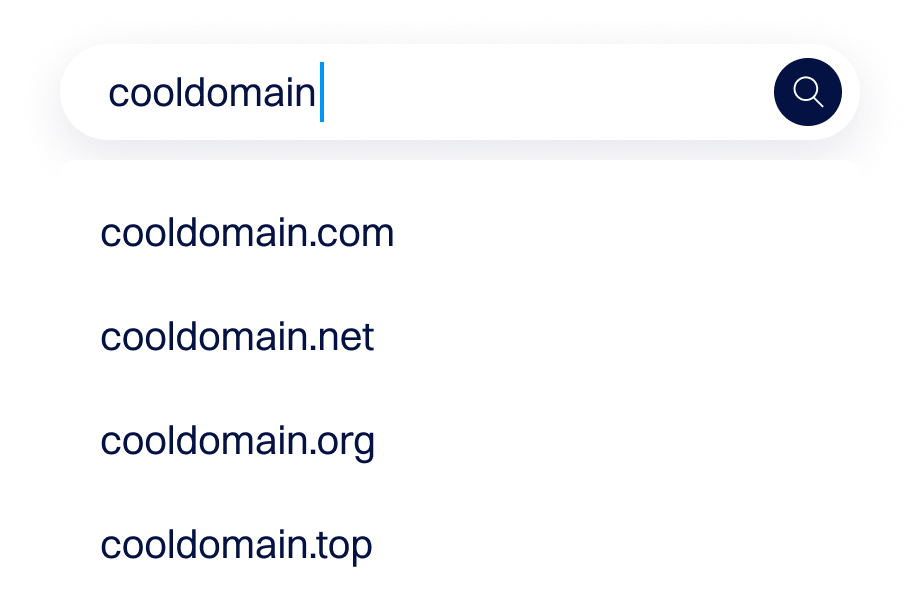


01Enter a domain
Type a full domain like example.com and select Search.
02We query the registry
03We show allowed fields
04Take your next step
What you can do with a Whois Lookup
There are a range of uses for Whois data, mostly related to general domain name research. Here are some common use cases for a Whois Lookup:

Find domain owner information
See public contact fields when available. If privacy is on, we show a proxy contact that forwards messages.

Confirm registrar and nameservers
Know where a domain is registered and which nameservers it uses.

Check creation and expiry dates
See age and renewal windows to plan a transfer or decide on aftermarket activity, such as placing a backorder.

Investigate abuse contact info
Use the registrar's abuse contact to report spam or illegal use.
What is Whois Privacy
Whois privacy hides your personal contact information in public records. When privacy is enabled, we replace your name, address, phone, and email with a proxy contact. People can still reach you through a forwarding email, but privacy often prevents spam.
You can enable free privacy for supported TLDs in your Dynadot account by using default privacy levels for your domains through your Dynadot account.
