Domain Security
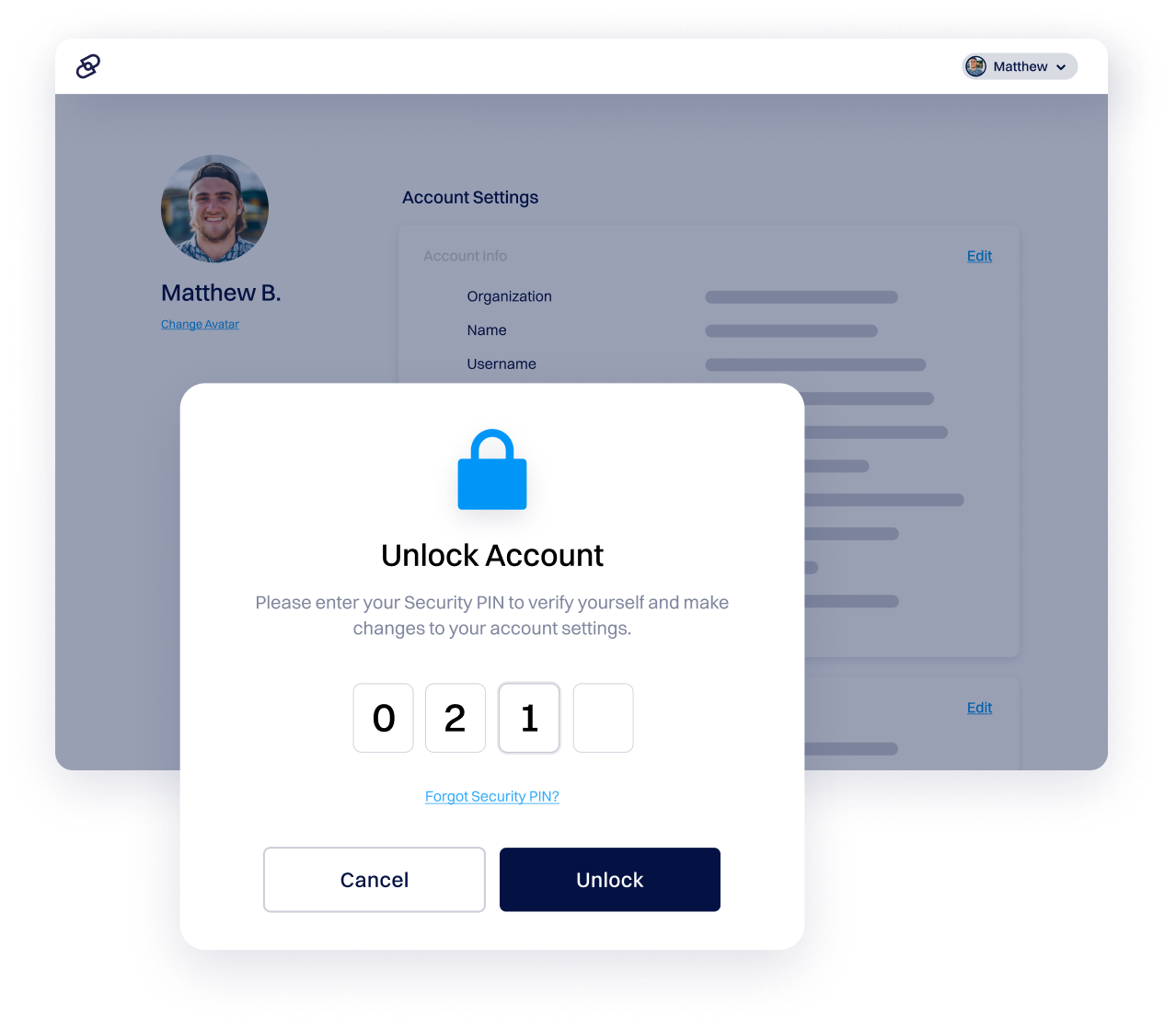
Account Lock
Our account lock feature adds an extra layer of security to your Dynadot account by requiring your security PIN for important changes. It helps protect against unauthorized access and keeps your domains and account details safe.
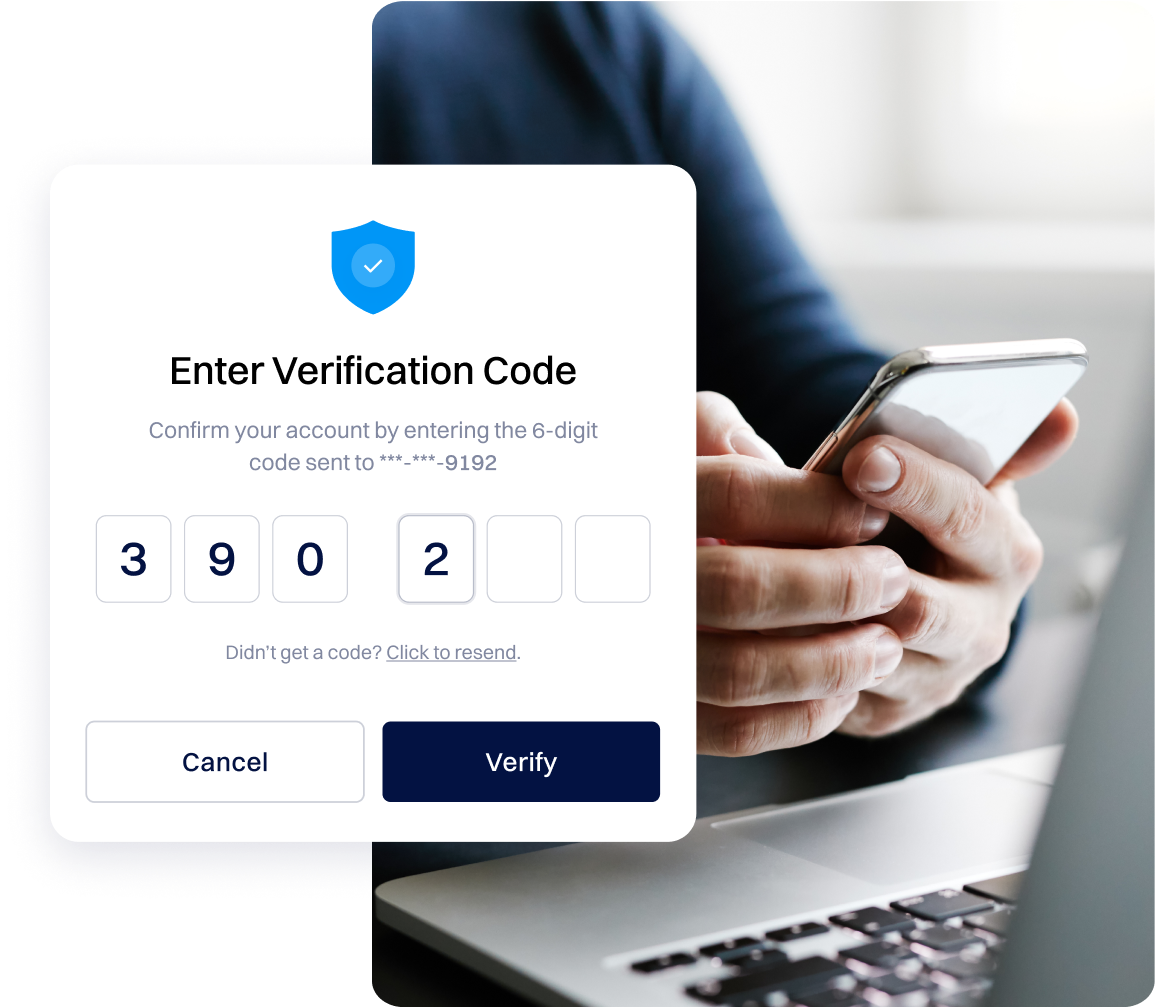
Two Factor Security
We highly recommend enabling two-factor authentication on your Dynadot account. You can choose between SMS authentication or the Google Authenticator app for added protection.While it’s optional, it’s a simple way to keep your account more secure and block unauthorized access.
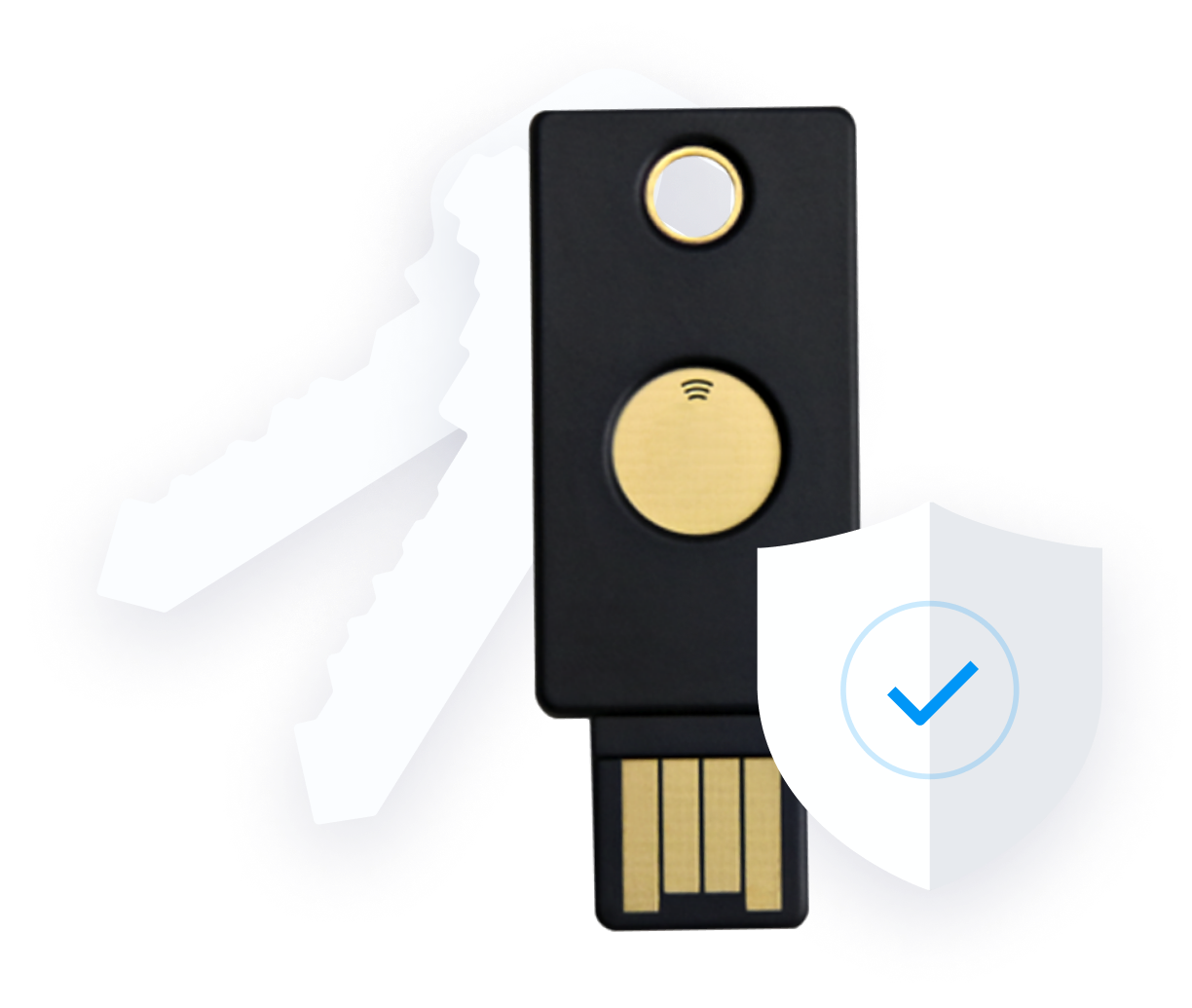
Security Key
Security keys add an extra layer of protection to your Dynadot account. They're physical devices that let you log in by simply tapping the key after it's connected to your account. Check our Help File for setup instructions and details.
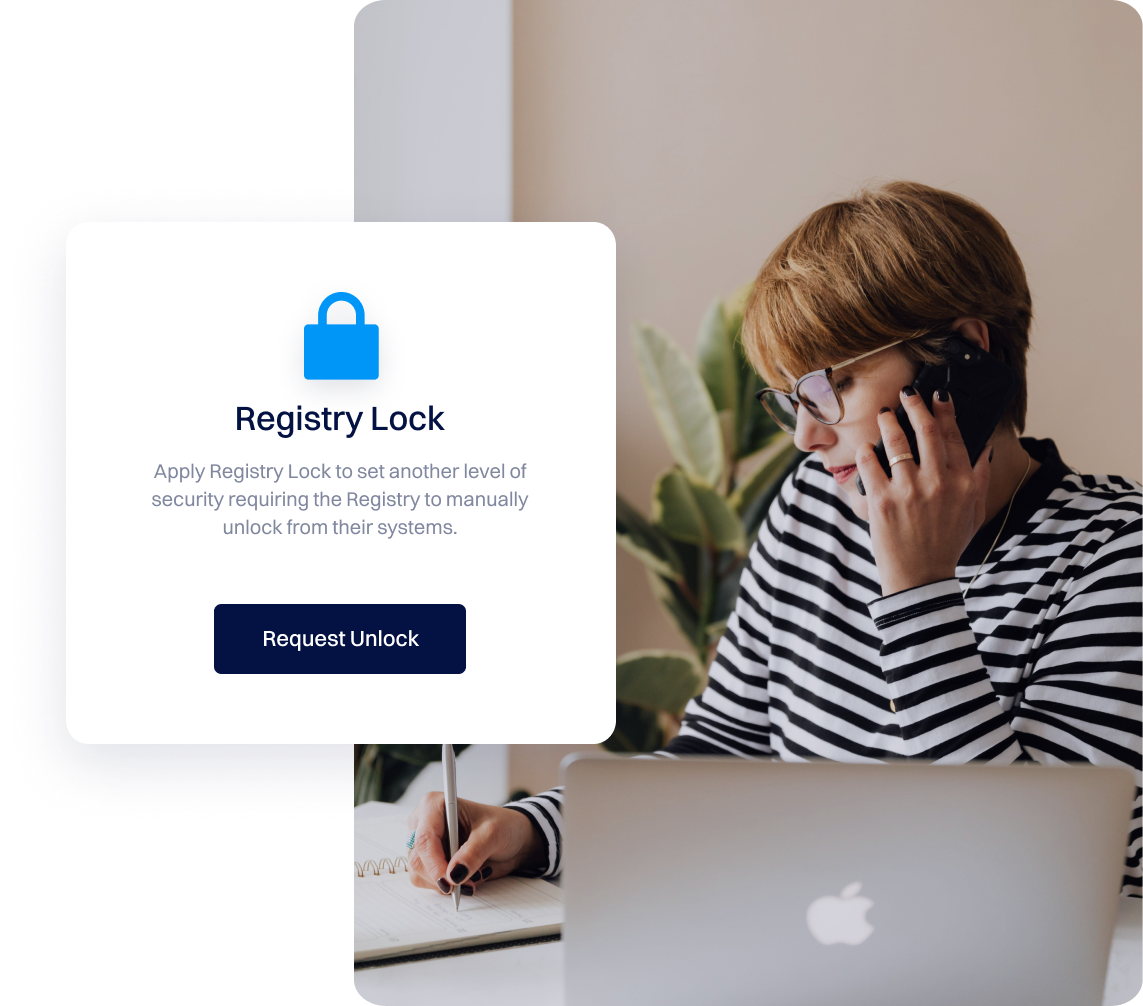
Registry Lock Systems
Boost your domain’s security with Registry Lock, a powerful layer of protection that blocks unauthorized changes or transfers.
It helps prevent domain hijacking and DNS manipulation, keeping your online assets safe. Currently available for .COM, .NET, and .CC domains, with more TLDs to be supported soon.